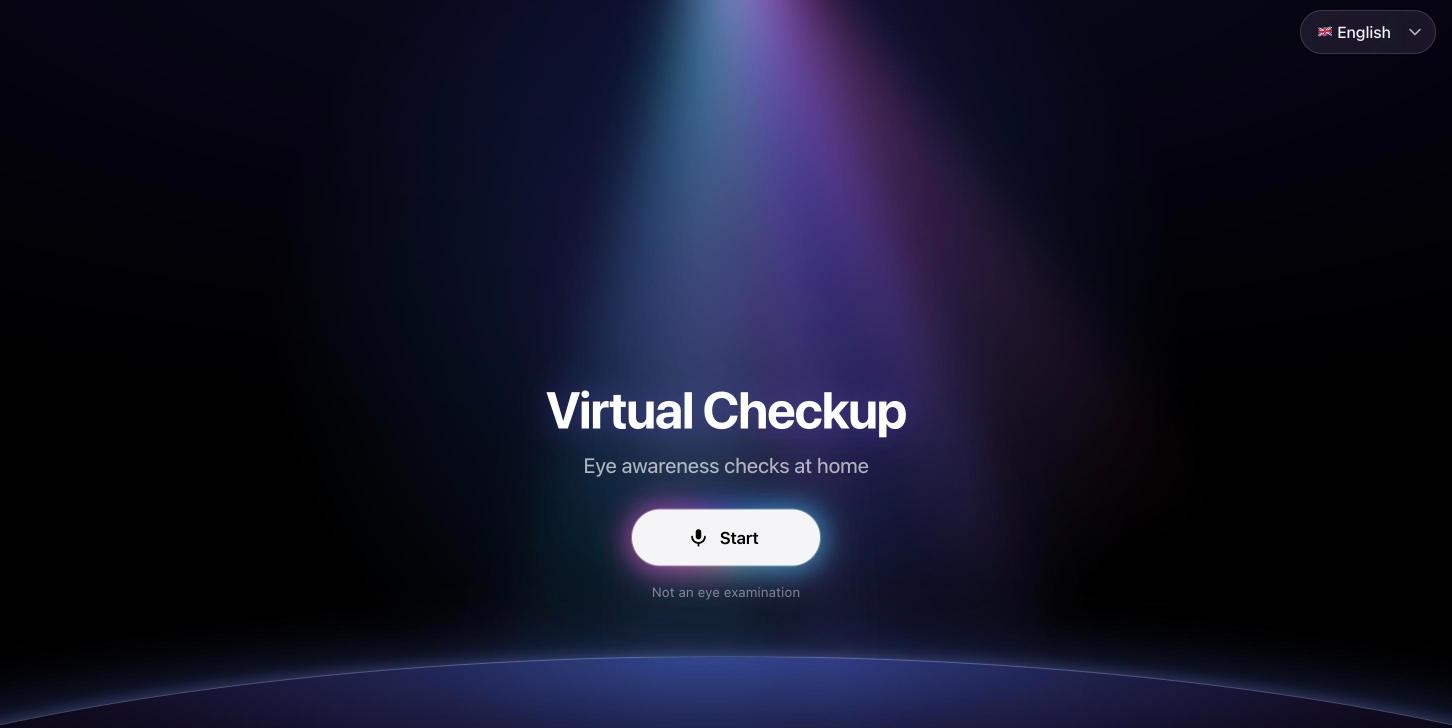
Not an eye examination. These checks do not diagnose. If there is an emergency — sudden loss of vision, a painful red eye, a chemical in the eye — skip the app and go to an emergency department.
A lot of eye problems are quiet.
A child's eye that drifts now and then. A tear film that breaks up a little too fast. A reading distance that keeps creeping out after forty. None of these hurt enough to book an appointment, and all of them are worth one.
I built Virtual Checkup for that gap. A few minutes with the phone you already have, and at the end one plain answer: see an eye doctor today, within a few days, when you can — or nothing clear was seen.
It does not diagnose. It says so before the first check and again on every summary. Its job is smaller and, I think, more useful: to turn "I should probably get my eyes looked at" into a decision with a date on it.
One tap, then talk
The checks need your hands for other things. The phone is held at arm's length, or at reading distance, or at face level. One eye is covered with a palm. For a child, a parent holds the phone while the child looks at a red dot.
You cannot do any of that and also hunt for buttons. So after you press Start, nothing on the screen is a button. An AI voice runs the session: it explains each check, listens to your answers, and coaches the camera until the photo is good — then takes it itself.
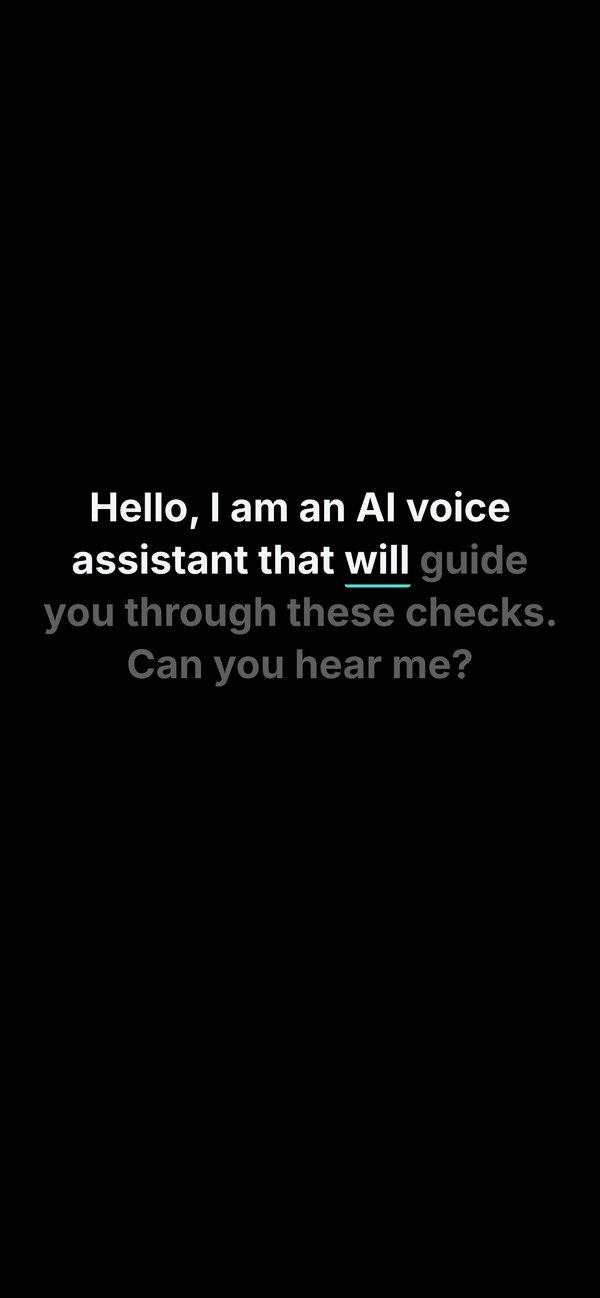 1It speaks first
- The guide
- “Hello, I am an AI voice assistant… Can you hear me?”
- You
- “Yes.”
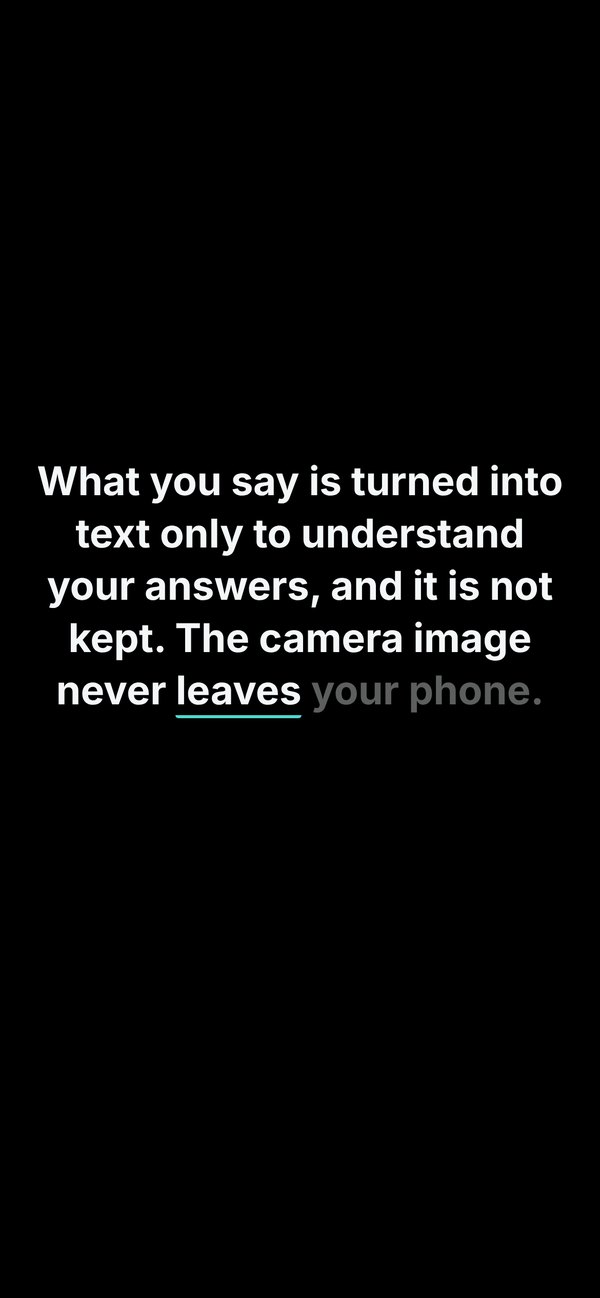 2Consent, out loud
- The guide
- Reads the short note — not an exam, what happens to your voice, what to do in an emergency.
- You
- “I agree.” Then your age.
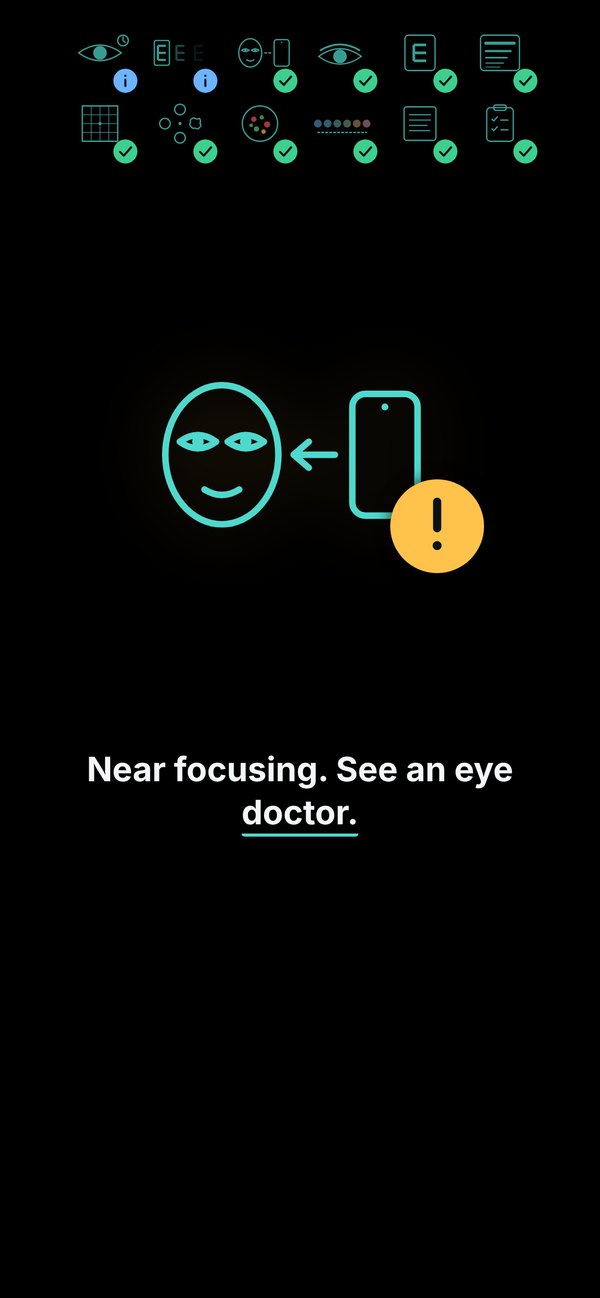 3Results, read aloud
- The guide
- Walks through anything that needs attention; clear checks collapse into ticks.
- You
- Just listen.
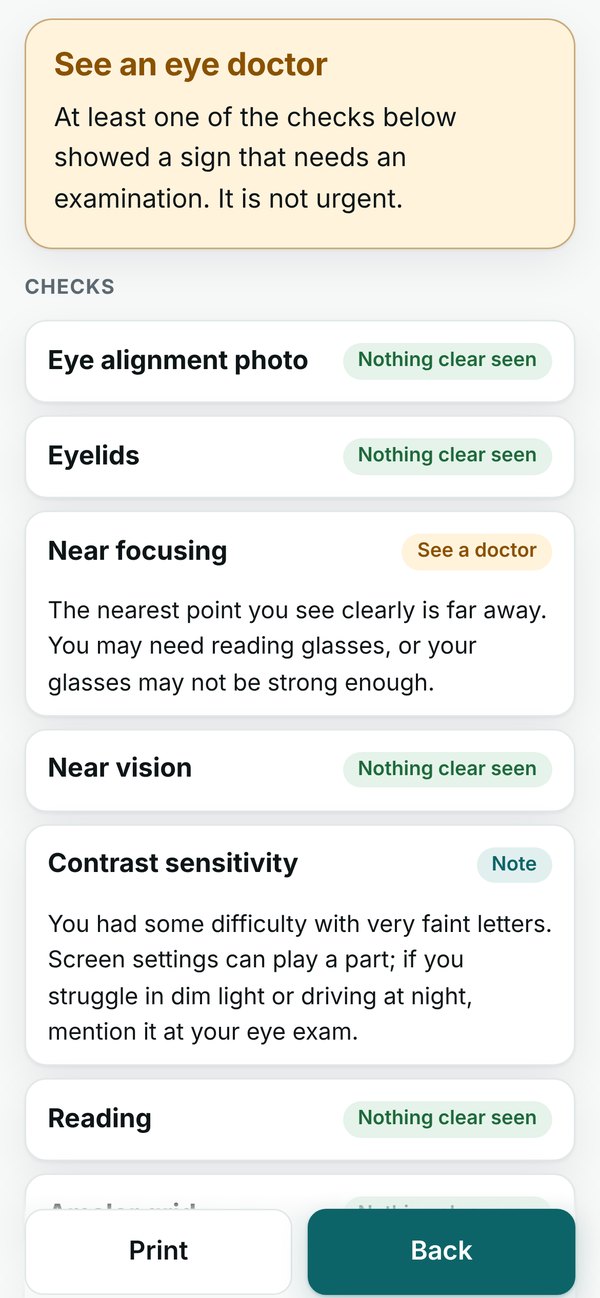 4Details stay on screen
- The guide
- Every check, its level and why — to print or show a doctor.
- You
- Read it, or hand the phone over.
The words it speaks are written on the screen as it says them, lit word by word, so a missed sentence is never lost.
Before any check starts, it makes sure the basics work, in conversation: Can you hear me? Then What colour is the screen now? — the screen turns yellow, then blue, so it knows you can see it. Then Hold the phone in front of your face, at arm's length. Only then does it ask who the checks are for.
During the camera checks it sounds like a patient photographer: Bring the phone a little closer. Do not keep the light behind you; turn your face towards the light. Yes, that's good. Stay like that. Look at the dot; I take the photo after three beeps.
The whole conversation works in Turkish, English, Spanish, Italian and German.
Seven ages, seven plans
The first real question is the one on the plan screen: Who is this for?
A plan for a baby and a plan for a 70-year-old have almost nothing in common. Babies get the red reflex — light bounced back through the pupil — a look at flash photos from the gallery for a white reflex, and a few risk questions. From three to six, these are the key years for lazy eye, so alignment and vision come first. After forty, near focusing, the Amsler grid, contrast and dry eye move to the front.
| Age | |||||||
|---|---|---|---|---|---|---|---|
| Alignment & lids | |||||||
| Eye alignment photo | — | recommended (Eye alignment) | recommended (Eye alignment) | recommended (Eye alignment) | recommended (Eye alignment) | recommended (Eye alignment) | recommended (Eye alignment) |
| Cover test | — | — | recommended (Eye alignment) | recommended (Eye alignment) | recommended (Eye alignment) | can be added | can be added |
| Gaze directions | — | — | — | recommended (Eye alignment) | can be added | can be added | can be added |
| Eyelids | — | recommended (Eye alignment) | recommended (Eye alignment) | can be added | can be added | recommended (Adult) | recommended (Adult) |
| Near point / focusing | — | — | — | recommended (Eye alignment) | — | recommended (Adult) | recommended (Adult) |
| Through the pupil | |||||||
| Red reflex | recommended (Child screening) | recommended (Child screening) | recommended (Child screening) | — | — | — | — |
| White reflex in photos | recommended (Child screening) | recommended (Child screening) | recommended (Child screening) | — | — | — | — |
| How well you see | |||||||
| Distance / near vision | — | — | recommended (Child screening) | recommended (Child screening) | recommended (Adult) | recommended (Adult) | recommended (Adult) |
| Contrast sensitivity | — | — | — | — | can be added | recommended (Adult) | recommended (Adult) |
| Reading | — | — | — | — | can be added | recommended (Adult) | recommended (Adult) |
| Amsler grid | — | — | — | — | can be added | recommended (Adult) | recommended (Adult) |
| Shape discrimination | — | — | — | — | can be added | recommended (Adult) | recommended (Adult) |
| Colour vision | — | — | recommended (Child screening) | recommended (Child screening) | recommended (Adult) | recommended (Adult) | recommended (Adult) |
| Colour arrangement | — | — | — | — | recommended (Adult) | recommended (Adult) | recommended (Adult) |
| Tear film | |||||||
| Dry eye questions | — | — | — | — | recommended (Dry eye) | recommended (Dry eye) | recommended (Dry eye) |
| Keeping the eyes open | — | — | — | recommended (Dry eye) | recommended (Dry eye) | recommended (Dry eye) | recommended (Dry eye) |
| Blinking while reading | — | — | — | recommended (Dry eye) | recommended (Dry eye) | recommended (Dry eye) | can be added |
| History | |||||||
| Risk questions | recommended (Child screening) | recommended (Child screening) | recommended (Child screening) | recommended (Child screening) | recommended (Adult) | recommended (Adult) | recommended (Adult) |
| Minutes | 5 | 6 | 12 | 13 | 14 | 21 | 19 |
- Eye alignment
- Child screening
- Dry eye
- Adult
- Can be added
Every plan is a suggestion. You can untick anything, add the rings, and the time estimate follows. The longest plan is about twenty minutes; the shortest is five.
Measuring with light
The check I like most is also one of the oldest tricks in the eye clinic.
Shine a light at both eyes and look at where its reflection sits on each cornea. If the eyes are straight, the two reflections sit in the same place. If one eye is turned, its reflection sits off-centre — toward the nose when the eye turns out, toward the ear when it turns in. That is the Hirschberg test, and a phone camera with a light is a surprisingly good instrument for it.
Reflex offset
0.00 mm × 19.9 Δ/mm
0Δ
Eyes straight
Under the line: nothing clear in this photo.
mm come from your own eye: the app assumes an average iris of 11.7 mm, or measures yours once against a bank card (85.6 mm wide) held to the forehead.
The app finds the iris edge and the reflection in the photo, then turns pixels into millimetres. That needs a ruler, and the only ruler every eye carries is the iris itself: on average it is 11.7 mm across. If you hold a bank card flat on your forehead once — 85.60 mm wide, the same everywhere — the app measures your iris instead of assuming an average.
It also takes each eye on its own, the other covered with a palm, to learn where your reflection normally sits. A slightly off-centre reflex is normal, and it is different for every person. Subtracting your own baseline is what keeps a normal eye from looking like a turned one.
And when the photo is not good enough — head turned, blurry, reflection unclear — it does not guess. It says why and tries again. After three tries it reports that it could not assess the photo and suggests an eye doctor. "Could not tell" is an honest result.
What stays on the phone
A health app that asks for your camera and your microphone should be very clear about where those go. Here is the whole map:
The camera feed is analysed in the browser, on the phone. No photo or video is sent anywhere — that is a design decision, not a setting.
The voice is different, and the app says so out loud before the first check: What you say is turned into text only to understand your answers, and it is not kept. The camera image never leaves your phone. Audio goes to a voice server, which turns speech into text, lets the AI guide decide what you meant, and reads the next line aloud.
Separately, the app counts anonymous usage — which steps ran, how long they took, the result levels in coarse bands — so we can see where people get stuck. No images, no audio, nothing that names you.
Results are kept only if you say yes, and only in that browser, so next time it can compare — a new mark on the Amsler grid matters more than an old one. "Delete history" removes all of it. There is no account and nothing to sign in to.
What a phone can't see
This is the part I care most about getting right, because the failure here is not a bug. It is a person who feels reassured and skips the exam.
A phone can screen
- Eyelids and blinking — lid height, keeping the eyes open, blinks while reading
- Tear film — dry-eye questions (OSDI-6) and blink tests
- Eye alignment — the light reflex on the cornea, cover test, gaze
- Red reflex — light bounced back through the pupil; white reflex in flash photos
- How the eye performs — vision, contrast, colour, Amsler, reading — asked, not seen
Only an eye exam can see
- Eye pressure — glaucoma
- Retina and macula — the back of the eye
- Optic nerve
- Side vision — peripheral field
- Glasses prescription
What you get back: one of four levels, for each check and overall
- Doctor today
- Within a few days
- See a doctor
- Nothing clear seen
A check that can’t get a clear photo after three tries says so — it is never guessed — and “Note” marks small findings worth mentioning at your next exam.
A camera and a screen can say a lot about the front of the eye and about how well the eye works. They cannot see eye pressure, the retina, the optic nerve or side vision, and they cannot write a prescription. Those need an eye doctor and the right equipment.
So every summary ends the same way: the checks that were done, the level for each and why, when your next routine exam is due for your age — and a short list of what these checks do not cover.
How it's built
- Plain JavaScript modules, no framework. It runs as a web page — nothing to install.
- MediaPipe Face Landmarker in the browser for face, eyelid and iris points; everything after that — reflex position, lid height, blink rate, gaze — is the app's own geometry.
- Voice over WebRTC to a small server pipeline: speech-to-text, an LLM that follows the app's script, and text-to-speech. The words are synced to the audio for the on-screen captions.
- Rules are code, with a version number. Every saved result records which rules produced it, so a change in a threshold never silently changes an old result.
- 18 checks, plus one passive one: head posture is watched quietly through the session, because a constant head tilt can be a way of compensating for eye muscles.
Try it
You need a phone, a few minutes, and for some checks a bank card or a helper — the plan tells you which before you start.
Start a checkup →If it tells you to see an eye doctor, please do. That is the whole point.